


Care Guide
How to Clean a Phone Case Without Damaging the Print
Step-by-step: how to clean and disinfect a printed phone case at home, what to avoid, and how often to do it.

Most phone cases work with wireless charging. Here is what blocks it, how thick is too thick, and which case charges best.
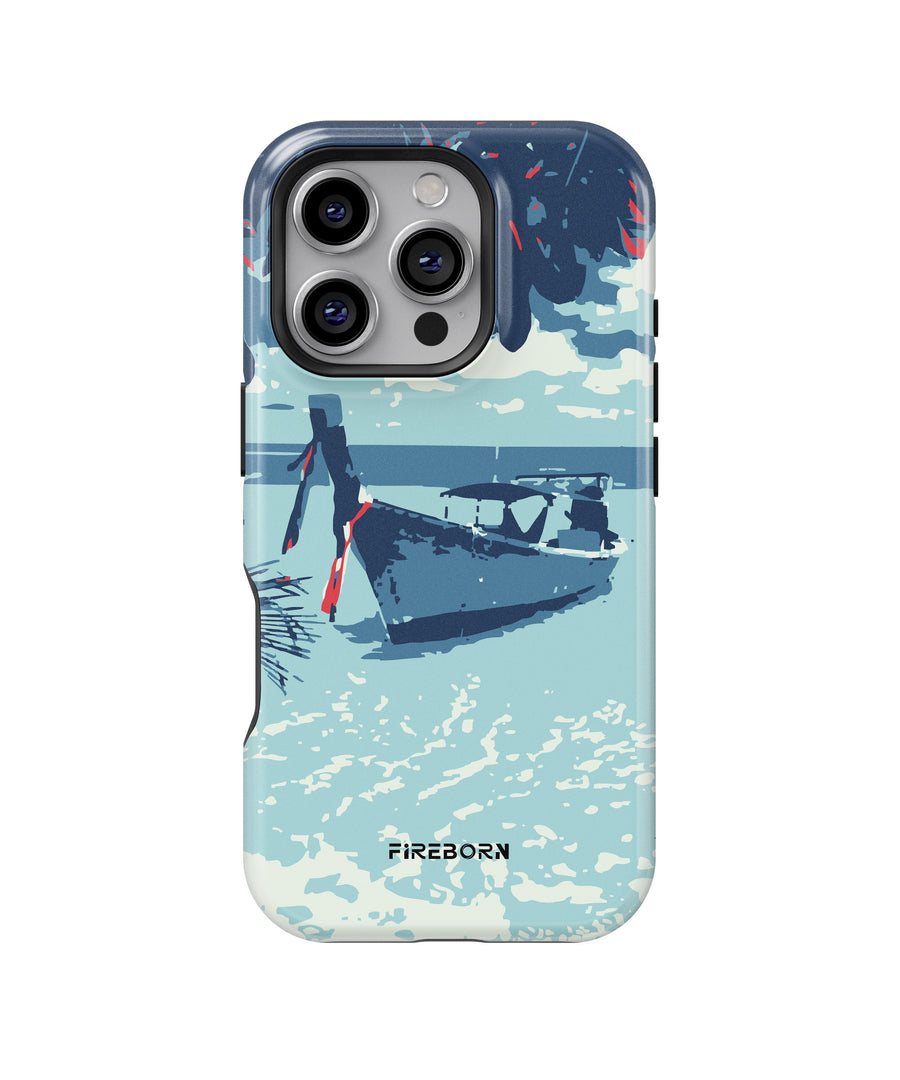
Short answer: yes. Most phone cases work with wireless chargers, as long as the case is not too thick and has no metal, magnets in the wrong place, or cards inside. Here is how to tell if your case will charge, and what to do if it doesn't.
A wireless charger and your phone each have a flat coil. When the coils sit close together and line up, power passes between them. Anything that adds distance or blocks the signal, like a very thick case or a metal plate, makes charging slower or stops it.
With a normal slim case, the difference is small. What slows charging more is poor alignment: if the phone sits slightly off-center, it charges slowly and gets warmer. That is the main reason people choose a MagSafe case, even on Samsung and Pixel phones.
All wireless charging creates some heat. A case can hold a little of it in. If your phone feels hot, charge it in a cool spot, avoid charging under a pillow or in direct sun, and make sure it is aligned. Phones slow down charging on their own when they get too warm.
Yes. The Snap Case is a single, slim hard shell, so it sits close to the charger.
A Tough Case works with MagSafe chargers for charging, but the magnetic hold is weaker. For a firm snap, choose the MagSafe Tough Case.
Yes, Samsung Galaxy phones support Qi wireless charging, so a MagSafe charger will charge them. A magnetic case helps it stay in place. Read Are MagSafe cases worth it?
No. With a normal slim case there is no need. Only remove it if the case has metal, cards or a thick grip on the back.
All FireBorn Guard cases are printed on demand for your exact phone model, processed in 1–3 business days and shipped with tracking. Questions? See our FAQ.
Step-by-step: how to clean and disinfect a printed phone case at home, what to avoid, and how often to do it.

Check your exact iPhone, Samsung Galaxy or Pixel model in 30 seconds, and see why it matters before you order a case.

What a MagSafe case actually does, which iPhones need one, the real pros and cons, and when a regular case is all you need.